
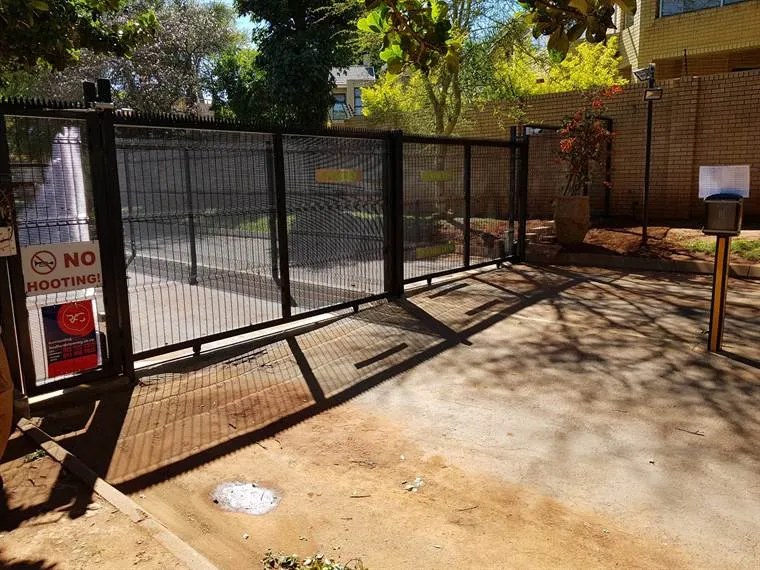
Access control is a system that decides who may get in, where and when, and keeps a record of who did. A gate remote is the simplest kind. A complex with resident tags, a visitor intercom and a log of every entry is a bigger one.
The idea is the same at every size: replace "whoever has a key" with "the people you chose, and you can switch any one of them off".
Every access control system has the same four parts
| Part | What it does | Examples |
|---|---|---|
| The barrier | Physically stops people or cars | A gate, a door, a boom, a turnstile |
| The credential | Proves who someone is | A PIN, a remote, a tag or card, a fingerprint, a face, a phone app |
| The controller | Decides yes or no | The control unit that holds the list of users and their rights |
| The record | Shows who came and went | The event log, on the unit or in an app |
An intercom fits in beside these: it lets a visitor ask, and lets you decide from your phone or a handset.
For a home: see who’s at the gate, and control who has a way in
At home, access control usually means:
- a gate motor with remotes for the family
- a keypad or tags for staff and regular visitors, each one with its own code or tag
- a video intercom at the gate, so you see who’s there before you open
The big win is control. When someone leaves your employ, you cancel their tag or code. You don’t change every lock or wonder who still has a remote.
Want to see who’s at the gate from the house? See access control and gate intercoms.
For a complex or estate: residents, visitors and a log
A complex or estate has more people and more questions:
- Residents get tags or codes, cancelled when they move out.
- Visitors are let in by the resident, through an intercom from the gate or guardhouse to the unit.
- Contractors and staff get access only on the days and times they work.
- The log shows who came and went, which helps when trustees look into an incident.
The gate motor, intercom, cameras and the perimeter fence work best when they’re planned together.
For a business: rights per staff group, and a record
At a business, access control usually covers doors as well as gates:
- tag, card or PIN readers on the doors that matter
- different rights for different staff groups: everyone at the front door, only some at the stockroom
- a log of who opened what, and when
- doors that release in an emergency
A real job: access control on five doors and 13 cameras for a Jet Park business.
Visitor logs and fingerprints are personal information
Visitor logs, fingerprints and face scans are personal information under POPIA. Collect only what you need, keep it safe, and decide who can see it and for how long. In April 2026 the Information Regulator published a draft code of conduct for gated access control that covers estates, bodies corporate and the companies that supply the technology. At the time of writing it was still a draft, so watch for the final version.
This is a guide, not legal advice. A complex or business with questions about POPIA should ask its own legal adviser.
Questions to answer before you choose a system
- How many people need access, and how often do they change? Tags and codes are easy to cancel; remotes get lost.
- Do you need visitors to call you? Then you need an intercom, and you choose between a handset in the house and an app on your phone.
- What happens in a power cut? The gate motor, the intercom and the readers all need backup power.
- Do you need a record? Some systems log every entry; a basic keypad doesn’t.
- Should it work with what you have? Many gates already have a motor; cameras and alarms can link in.
- Who will add and remove users? If it’s you, make sure you’re shown how at handover.
How we set it up
You send us photos of the gate or door and tell us how it’s used. We suggest the set-up, quote it in writing per gate or door, install and programme it, add your users, and show you how to add and remove them yourself. We never go over the quote without your OK.
Send us a photo of the gate or door
WhatsApp us a photo of your gate or door or call 083 659 0957. We work across the Midvaal and Joburg South, the East Rand and Joburg North.
Questions people ask
What is access control in security?
It’s a system that decides who may enter a property or room, where and when, and records who did. It uses credentials such as codes, tags, remotes or fingerprints instead of keys.
What are the types of access control?
By credential: PIN keypads, remotes, tags and cards, biometric readers (fingerprint or face) and phone apps. Many systems combine two, plus an intercom for visitors.
What is the difference between an intercom and access control?
An intercom lets a visitor ask to come in and lets you answer. Access control lets people who already have the right get in by themselves. Most homes and complexes use both together.
Does access control work in a power cut?
Only if it has backup power. The gate motor, the controller, the readers and the intercom each need a battery or another backup supply.
Can I cancel a lost tag or remote?
Yes. Each tag, card, code or remote is cancelled on its own, so one lost tag doesn’t mean changing everyone’s.